Survive a phone call in a language you don't speak.
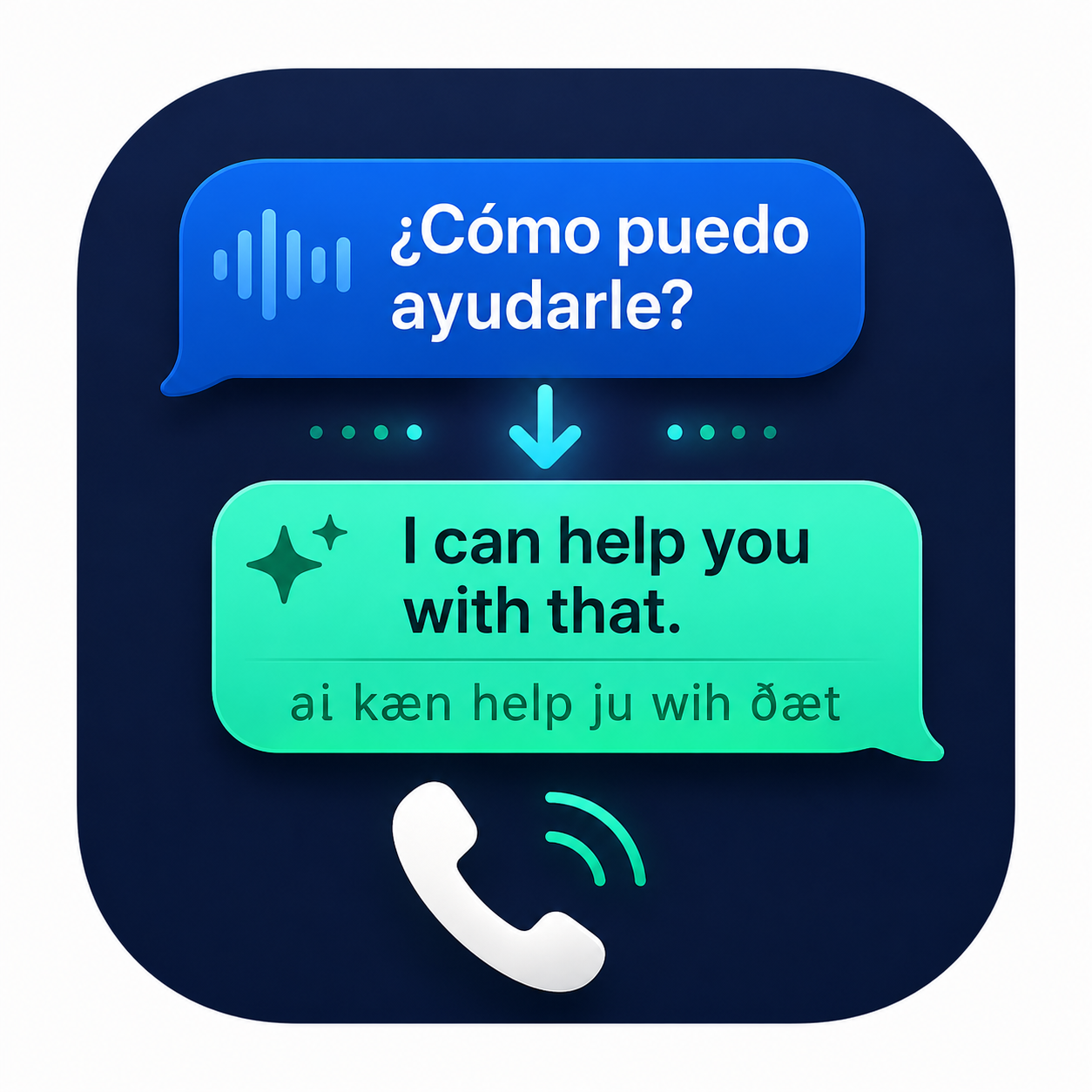
SayBack is an Android overlay that listens to your live call, translates what the other party says into plain English, and suggests the shortest possible reply for you to say back — in their language, written so you can pronounce it.
Get the app View on GitHubFour steps, while the call is happening
You answer the phone normally. The overlay does the rest in the background — transcribe, translate, suggest a reply — usually within a second of each sentence.
Pick up the call
Service starts automatically. Turn on speakerphone for best mic quality.
Live transcription
Mic audio streams to Deepgram for real-time speech-to-text in the source language.
LLM translates & replies
Each turn goes through OpenRouter (your model of choice) with your saved context.
Read & speak
The overlay shows what they said, what it means, and the exact words to say back.
Built for the situations that actually scare you.
A bank screening, a clinic appointment, an immigration office — the calls where missing a sentence costs you. The app keeps replies brutally short, so you don't trip on words you don't know.
Phonetic reply script
Reply rendered in Latin, native script, Cyrillic, or Perso-Arabic — whichever you can actually read out loud.
Personal context
Save your name, ID, address, account numbers, current situation. The model uses it to answer questions accurately for you.
Your models, your keys
Pick any OpenRouter model (gpt-4o-mini, claude-haiku, gemini-flash, …) and any Deepgram model. Keys stay on your device.
Test mode
Try the whole pipeline on your own voice without making a real call.
Your call, your keys, your device.
The app is a thin client around two paid APIs you provision yourself. Nothing routes through any server we control — because there is no server we control.
- Keys stored in EncryptedSharedPreferences on your device. Not bundled, not synced, not sent anywhere except the two API endpoints you configured.
- Audio goes directly to Deepgram over your authenticated WebSocket. It is not recorded to disk.
- Transcript turns go directly to OpenRouter and the LLM provider you chose. Their data policies apply — pick a model accordingly.
- No analytics, no tracking, no crash SDK. Source is on GitHub if you want to verify.
Get the app
Released as a signed APK alongside each GitHub tag. You'll need a Deepgram account and an OpenRouter account — both have free credit to start.
Download APK
Latest release on GitHub — sideload directly. Releases
Get a Deepgram key
Free starter credit at deepgram.com. Paste it into the app's Settings.
Get an OpenRouter key
One key, many models, at openrouter.ai. Pick a cheap fast model first.